One voice, recorded again and again.
When you’re recording alone and trying to sound like a large ensemble, choir, or vocal gang, one of the best techniques is to record yourself multiple times, changing your voice or performance with each take.
Up to 20 layers DAW-synced recording VST3 for macOS
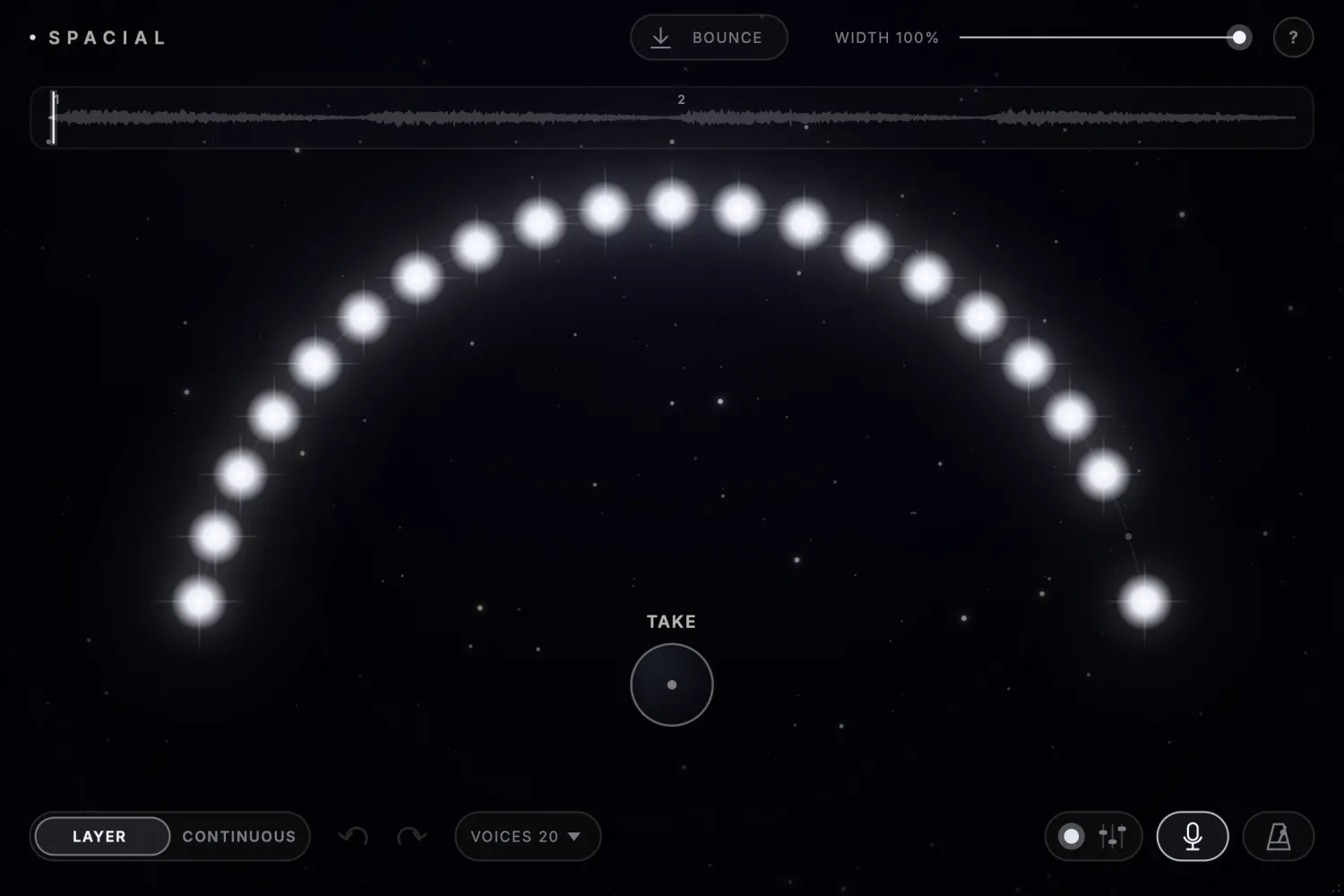
When you’re recording alone and trying to sound like a large ensemble, choir, or vocal gang, one of the best techniques is to record yourself multiple times, changing your voice or performance with each take.
The natural differences in timing, pitch, and character between performances, combined with their positioning across the stereo field, create the illusion of many different people performing together.
Each pass adds another take, automatically balanced and positioned across the stereo field. You hear the ensemble growing in real time.
The more distinct takes you add, the larger the ensemble sounds.
In most DAWs it’s repetitive work, and you don’t get to hear the ensemble accumulating as you record.
| In most DAWs, you | In SPACIAL |
|---|---|
| Record into lanes | Set a loop, press record, and perform |
| Split them into individual tracks | Every pass is already its own take |
| Adjust levels and panning | Balanced and positioned as it lands |
| Route everything to a bus | Every take sums inside the plugin |
| Process the result | EQ, compression and drive on the whole ensemble |
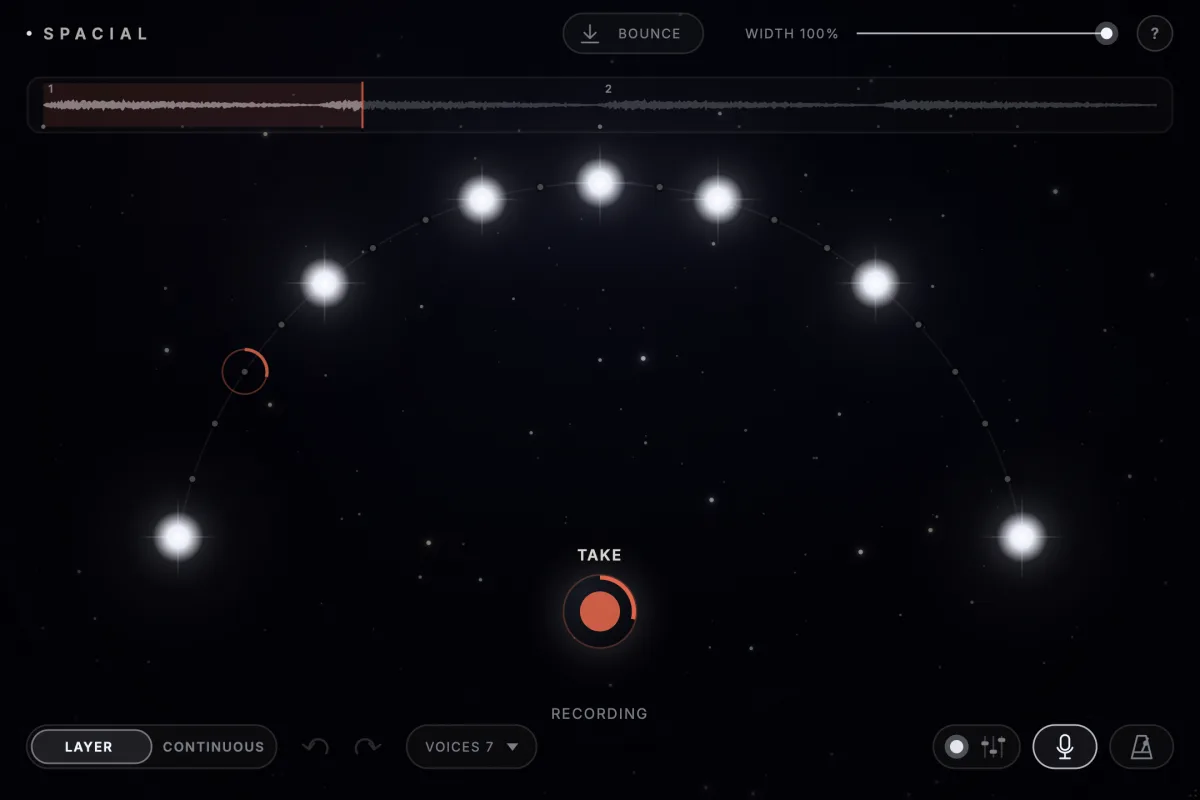
Press take and the next pass of your loop is recorded as one take. Change your voice, then press again.
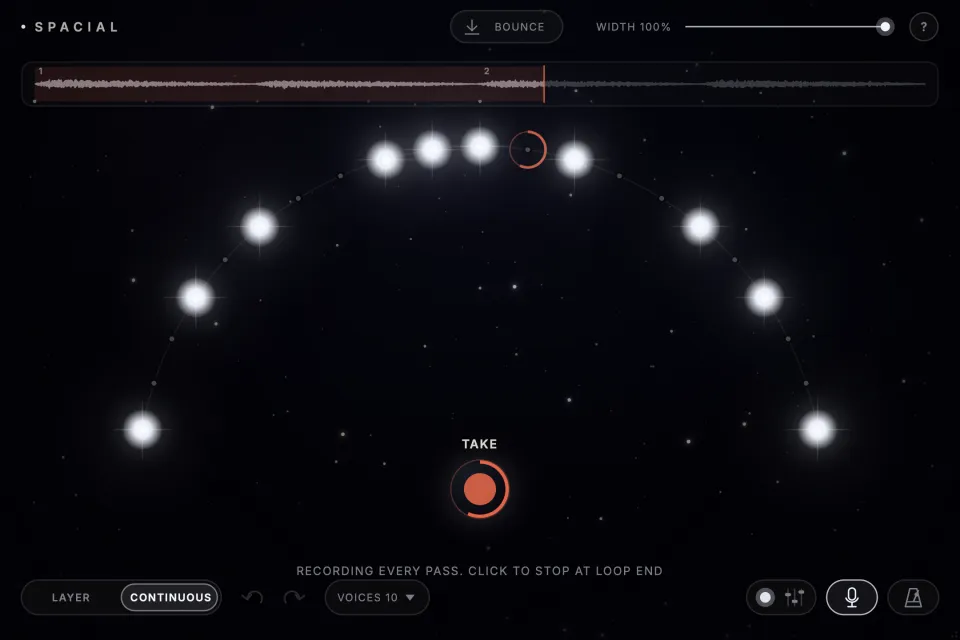
In Continuous mode every pass becomes a take until you press again, so you never stop performing.
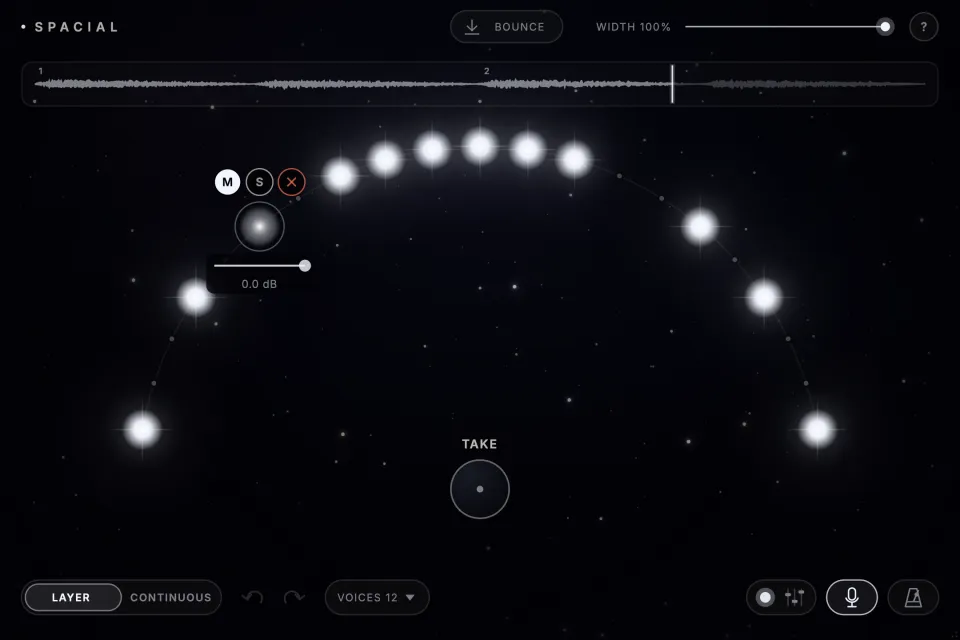
Click a take to mute, solo or remove it, or set its level, without interrupting the session.
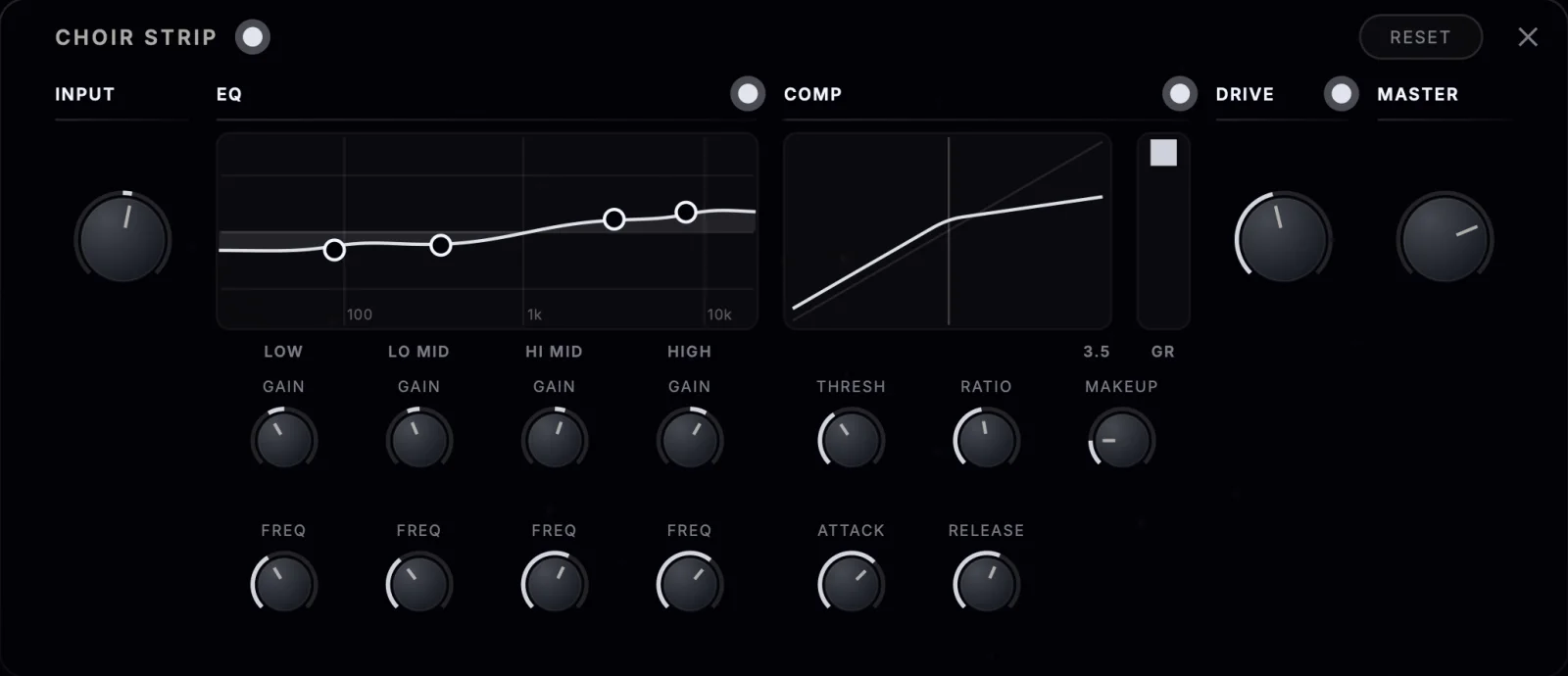
Built-in EQ, compression and drive work on the combined sound, after every take is summed.
One press renders the ensemble to a WAV file, one loop long, through the strip. Drag it onto a track in your DAW.

SPACIAL is coming soon.