01Local AI dictation
Right ⌥ hold, speak, let go
Clean text lands wherever your cursor is: Claude, Terminal, Gmail, Slack. Filler out, punctuation in. It learns your names from your corrections.
An open-source, user-owned command layer for macOS.
curl -fsSL https://raw.githubusercontent.com/noamlittvock/dictator/main/install.sh | sh
We are moving from seeing computers as tools we operate to seeing them as digital environments where we manage, delegate, start automated work, and take the reins when direct control is needed.
Voice is central to this shift. It lets us do what comes naturally: say what’s on our minds and what we want done, instead of executing every step by hand.
The central challenge is translating human intent into computer action.
Introducing Dictator: an open-source, user-owned command layer for macOS.
V.1 ships with out of the box local AI dictation, launching applications and projects by voice, workspace management, and configurable commands.
Right ⌥ hold, speak, let go
Clean text lands wherever your cursor is: Claude, Terminal, Gmail, Slack. Filler out, punctuation in. It learns your names from your corrections.
Right ⌥+Right ⇧ say what you want
Name an app and it opens. Name a project and Claude Code starts in its folder with your request.
Say the name or click it, or press its shortcut
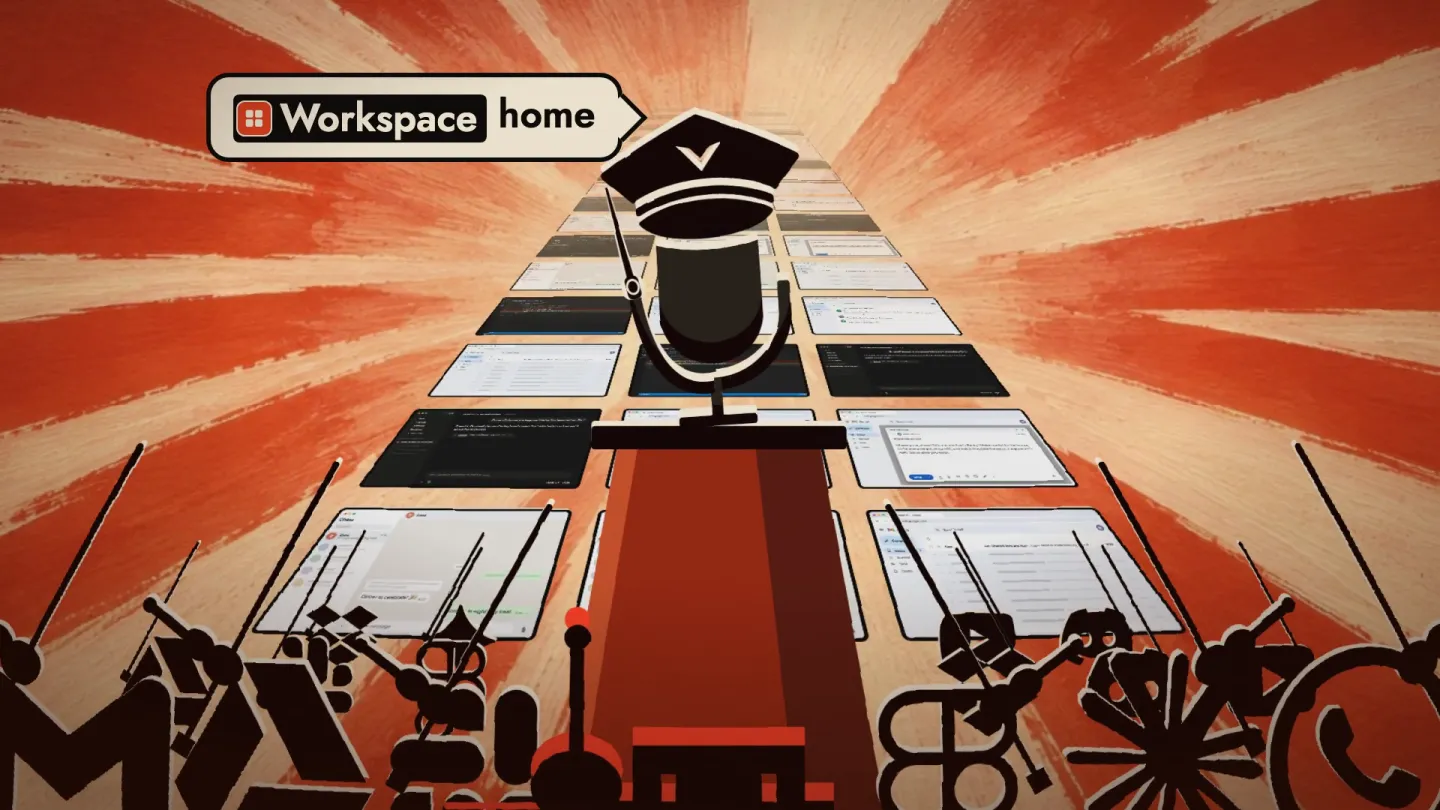
Every app, tab and window where it belongs, on one Mac or all of them. Preview the layout before anything moves. Undo puts it all back.
Your phrase your steps
Chain steps once and give them a phrase. It is matched exactly against your own lists, with no model guessing what you meant. Anything that sends waits for you.
Its engine runs entirely locally, keeping your data and prompts on your machine, allowing you to mine them for valuable insights on your usage patterns across vendors.
Whisper or Apple’s speech engine hears you. An Ollama model tidies up. No cloud service hears your voice.
Datasets gathers your dictations and the prompts you type into the AI tools you connect, by vendor, project and date. Hand one to your own agent and ask what you keep repeating: the answers become slash commands, project rules and Dictator commands.
Dictate on the laptop and let the Mac mini do the heavy lifting. Your Macs find each other over Tailscale.
Dictator prepares the data and never analyses it; the report comes from the agent you choose. What does go online: model downloads, update checks (you can turn them off), and whatever your commands open.
Dictator is open source to encourage a community dedicated to exploring and improving human–machine interaction in the emerging new age of hybrid computing with the ultimate goal of unlocking the full power of personalized, intent-driven computing, on the user’s own terms.
Dictator V.1 is available now.
curl -fsSL https://raw.githubusercontent.com/noamlittvock/dictator/main/install.sh | sh
Dictator is free, open source, and independently developed. If you find it useful, consider fueling its development. Literally.
Buy me a coffee ↗